
Core Concepts
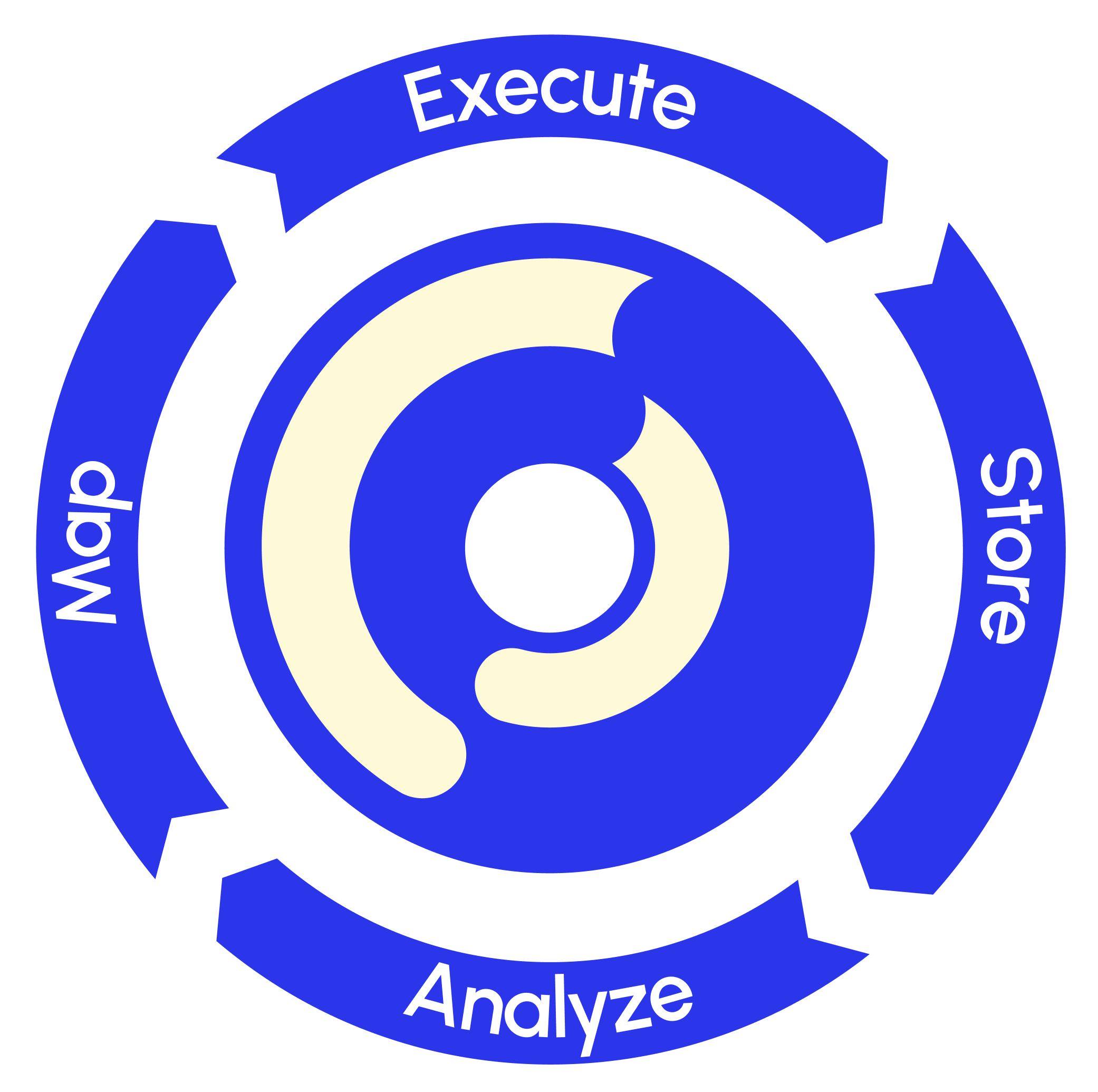
Eddy's four-stage flywheel — Map, Execute, Store and Analyze — and how they fit together.
Eddy is built around a continuous loop: design a process, run it with people, keep clean records, then see how those runs performed so you can improve the design.
See also How Eddy Works on the marketing site.
Four ideas sit under the flywheel:
- Building the game board — a Map defines the stages, rules, Map Roles, and blocks. It is the process people will run.
- Playing the game — each live run is a Session. One Map can support many Sessions, each with its own participants and route through the stages.
- Outputs — the data each Session leaves behind: answers and files in sheets, plus Session metadata (timestamps, stage durations, handoff waits) for Analyze.
- Improve — use what you learn to revise the Map, then go around again. The next Sessions run on a better board.
The outcome is what those four produce together: people know what happens next, who owns it, and when the handoff is due. That expectation management — transparency, accountability, clarity, and cohesion — is how a group of people can work as an organization without chasing the same questions through email. Each turn of the loop leaves a cleaner record and a chance to improve, so the process keeps reflecting and delivering value to the people who depend on it.
1. Map — design the process
Authors lay out stages, transitions, Map Roles, and blocks into an executable graph. You design once; people run it many times.
A Map answers:
- What steps need to happen (stages)
- In what order (transitions)
- Who does what (Map Roles)
- What information to collect or show (blocks)
An onboarding Map makes that concrete: Submit Details → Manager Review → HR Processing → IT Setup → Complete. Those are the stages and their order; Map Roles name who acts at each stage (new hire, manager, HR, IT); blocks collect the details each person needs before the handoff.
2. Execute — run the Session
A Session is one live run of a Map. Participants land on their stages, complete their steps, and hand off to the next person. The Map holds the rules; people take their turns.
During a Session, participants:
- See where they are on the process map
- Fill in forms and make decisions on their stages
- Get notified when it is their turn
- Hand off automatically when a stage completes
Builders design the Map. Participants do the work. Operators watch live Sessions when something stalls.
3. Store — keep the record
As people work, Eddy captures answers, decisions, files, and handoff timing as structured data.
- Each Session contributes rows to a sheet
- Input and choice blocks bound to a sheet become columns
- You can search, filter, and export
After fifty onboarding Sessions you have fifty clean rows — not fifty email threads.
4. Analyze — see how Sessions performed
This stage is about how Sessions ran, not only what participants entered into blocks.
Beside the answers in sheets, Eddy records Session metadata: timestamps, stage durations, handoff waits, and which path was taken. That operational trace is what lets you see where work stalls and which stages run long.
Two views serve this stage:
- The Facilitate view — live monitoring of running Sessions: who is at which stage now, support threads, and facilitation actions for stuck work
- The Analyze view — historical performance: bottleneck ranking, duration stats, heatmap overlay, workload trends, and time-range scoping
Under active development
Facilitate and Analyze are the first shipped slices of the Analyze stage. Deeper process intelligence — duration histograms, period-over-period comparison, path frequency analysis, and cross-workflow reporting — is under active development.
How the four stages fit together
- Map — design "Time Off Request": Request → Manager Review → HR Record, with roles and blocks
- Execute — an employee starts a Session, the manager reviews, HR records the outcome
- Store — answers and files land as a sheet row; handoff times are kept as Session metadata
- Analyze — Facilitate shows where live Sessions wait; Analyze shows historical bottlenecks. Use that trace to revise the Map
Then change the Map and run it again.
Where to go next
- Design a Map under Building
- Take part in or manage a run under Running Sessions
- Work with the resulting rows under Data & Intelligence
- See historical performance in Analyze